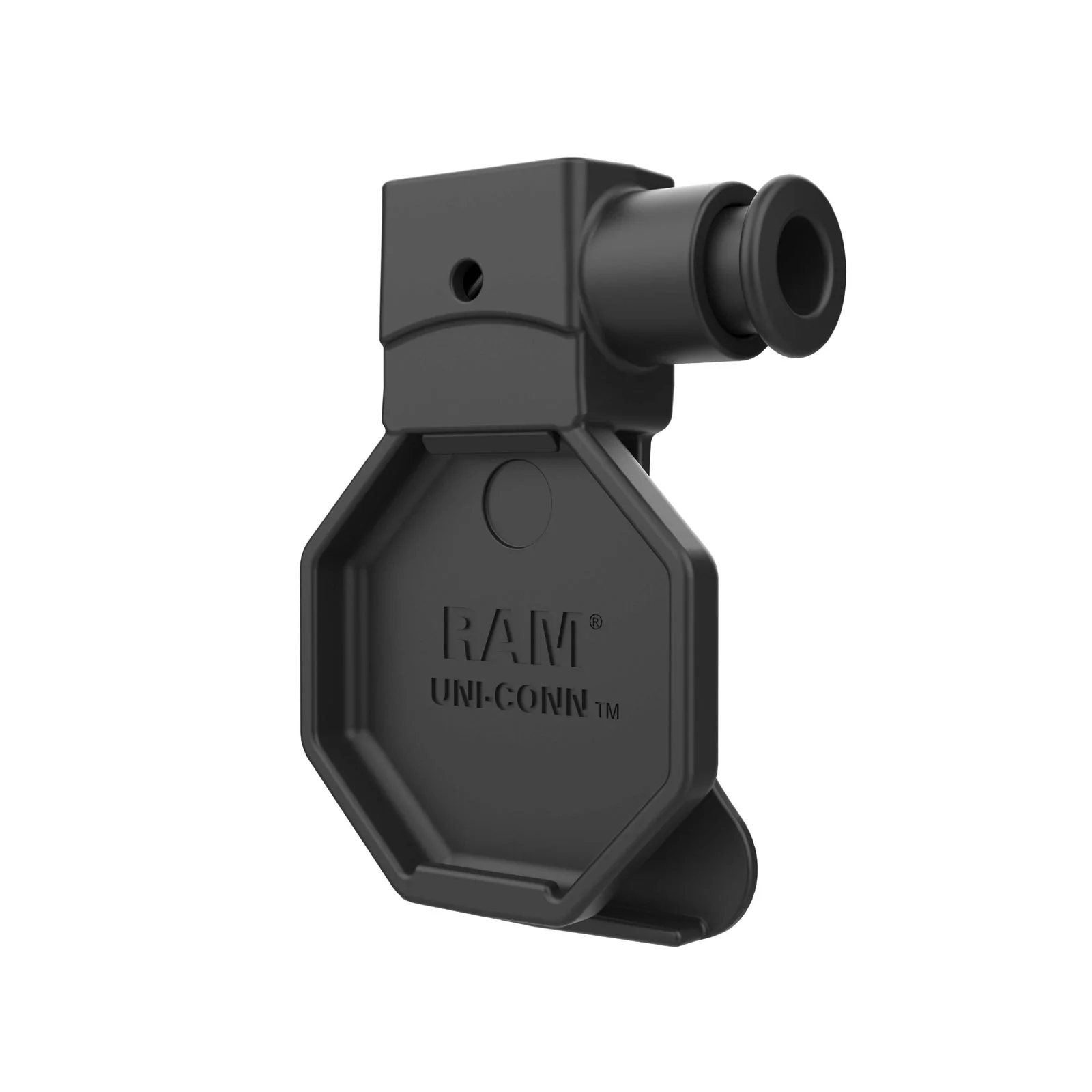


RAM Uni-Conn Plunger Style Belt Clip Holder for Uni-Conn Button
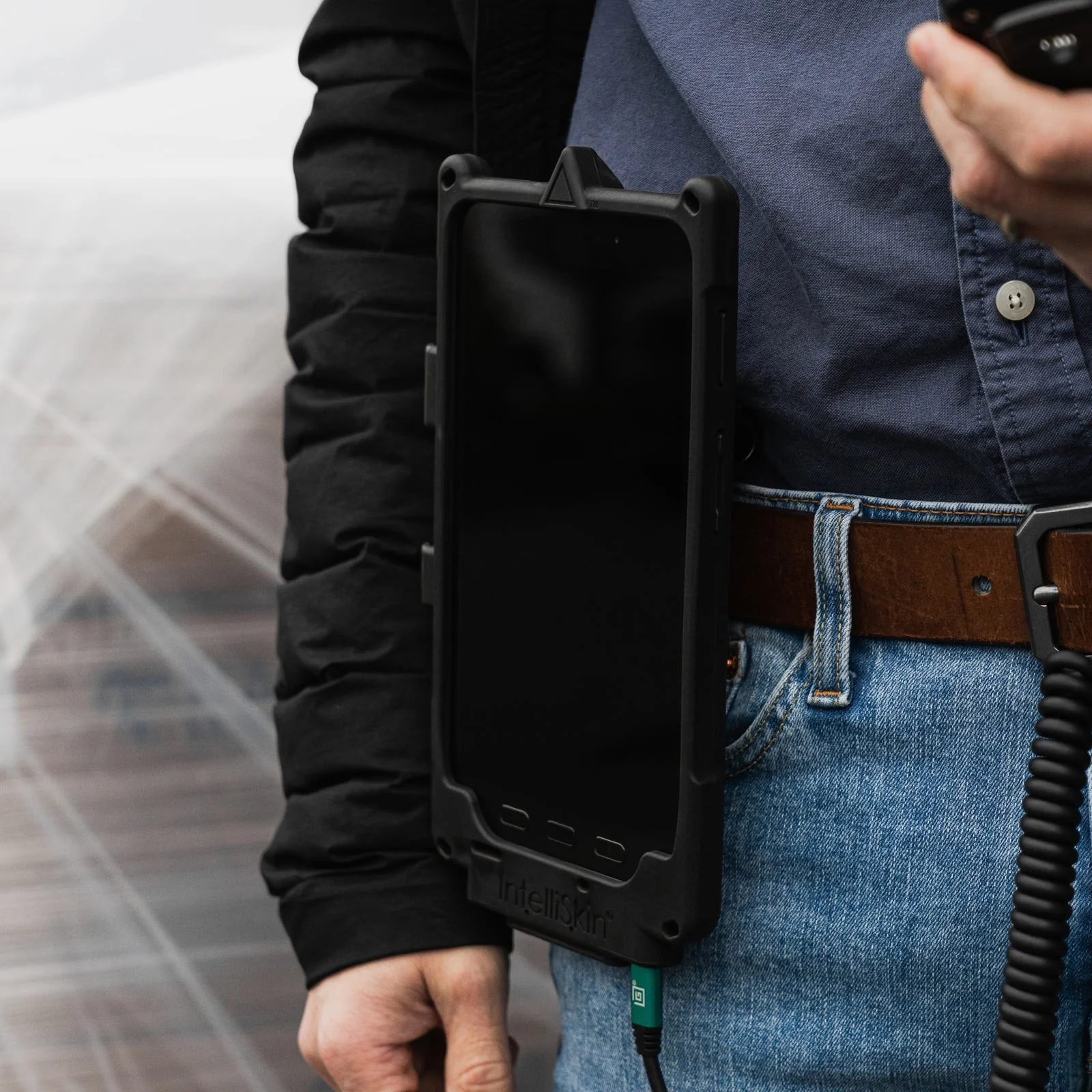
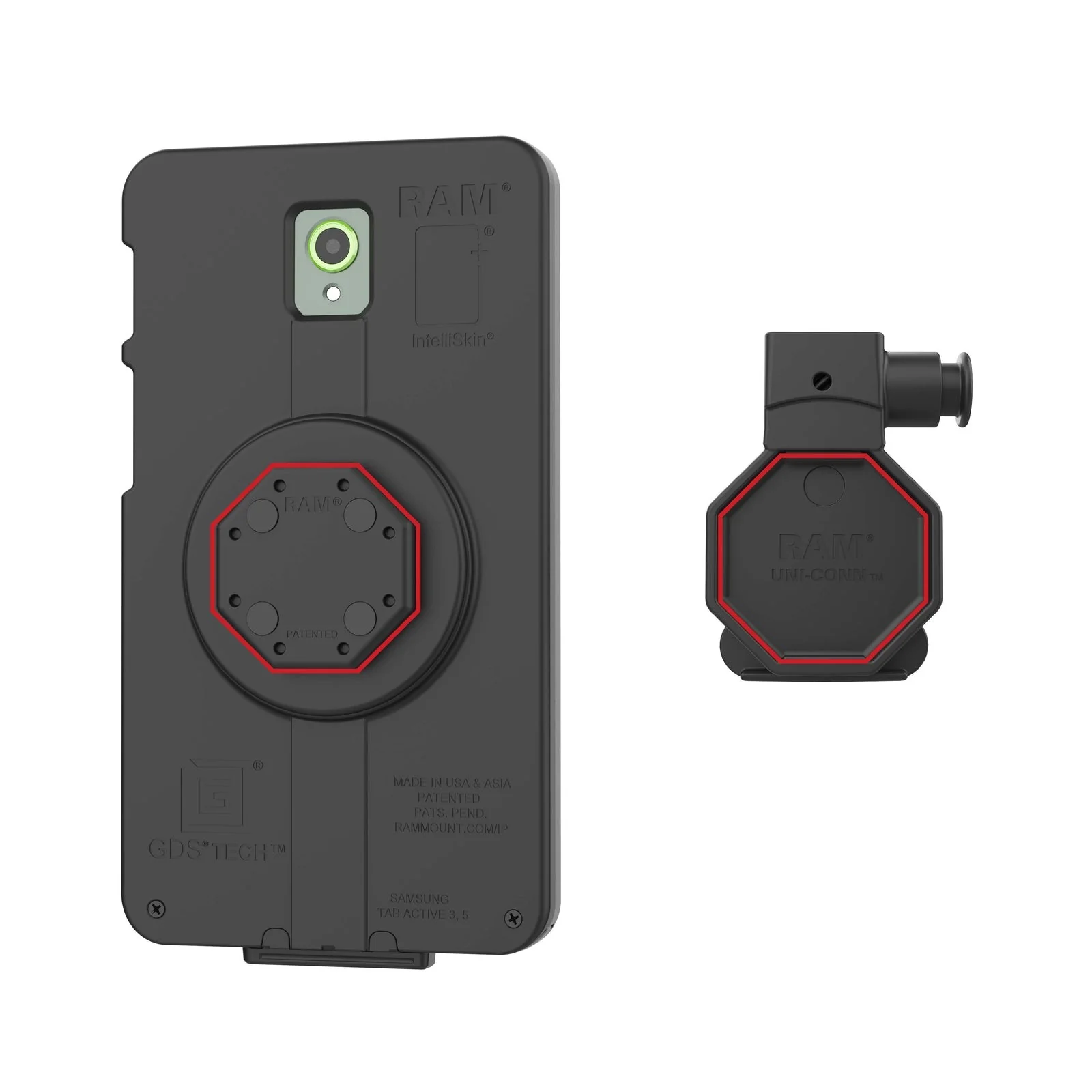
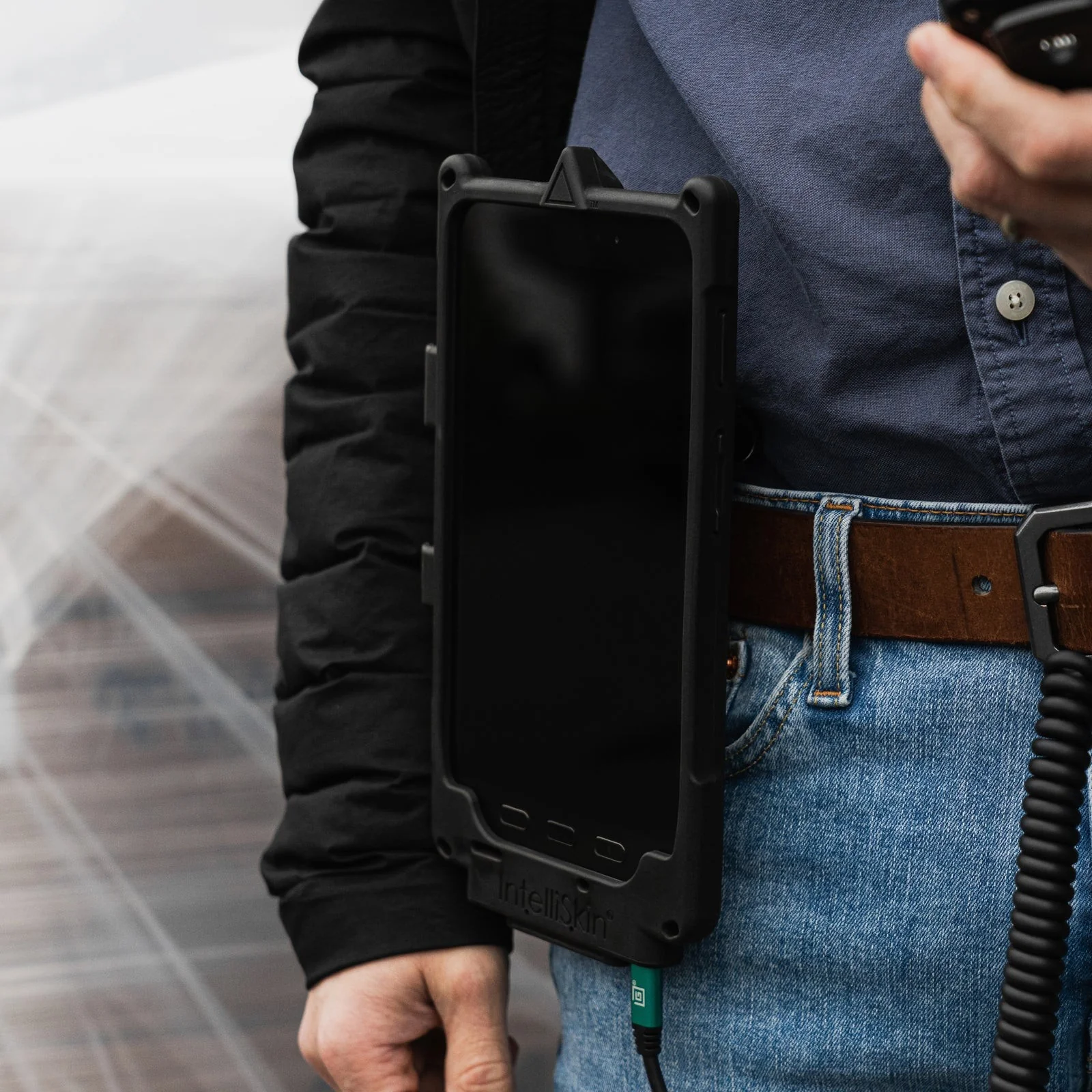
A belt clip holder that lets a technician carry a Uni-Conn-equipped phone, tablet, or handheld computer hands-free, and get it back with one hand and a single button press. It is the wearable, mobile end of the Uni-Conn family -- the same IntelliSkin case that clips onto this holder during the day can be pushed into a desktop or vehicle dock to charge overnight or between routes.
Features
- Secures devices to any belt or strap via the Uni-Conn connection
- Plunger-style release lever for quick, one-handed removal
- Fits devices with either a powered or non-powered GDS Uni-Conn button adapter installed
- Made of high-strength composite for durability in demanding environments
- Backed by a 3-year warranty
How GDS Uni-Conn works
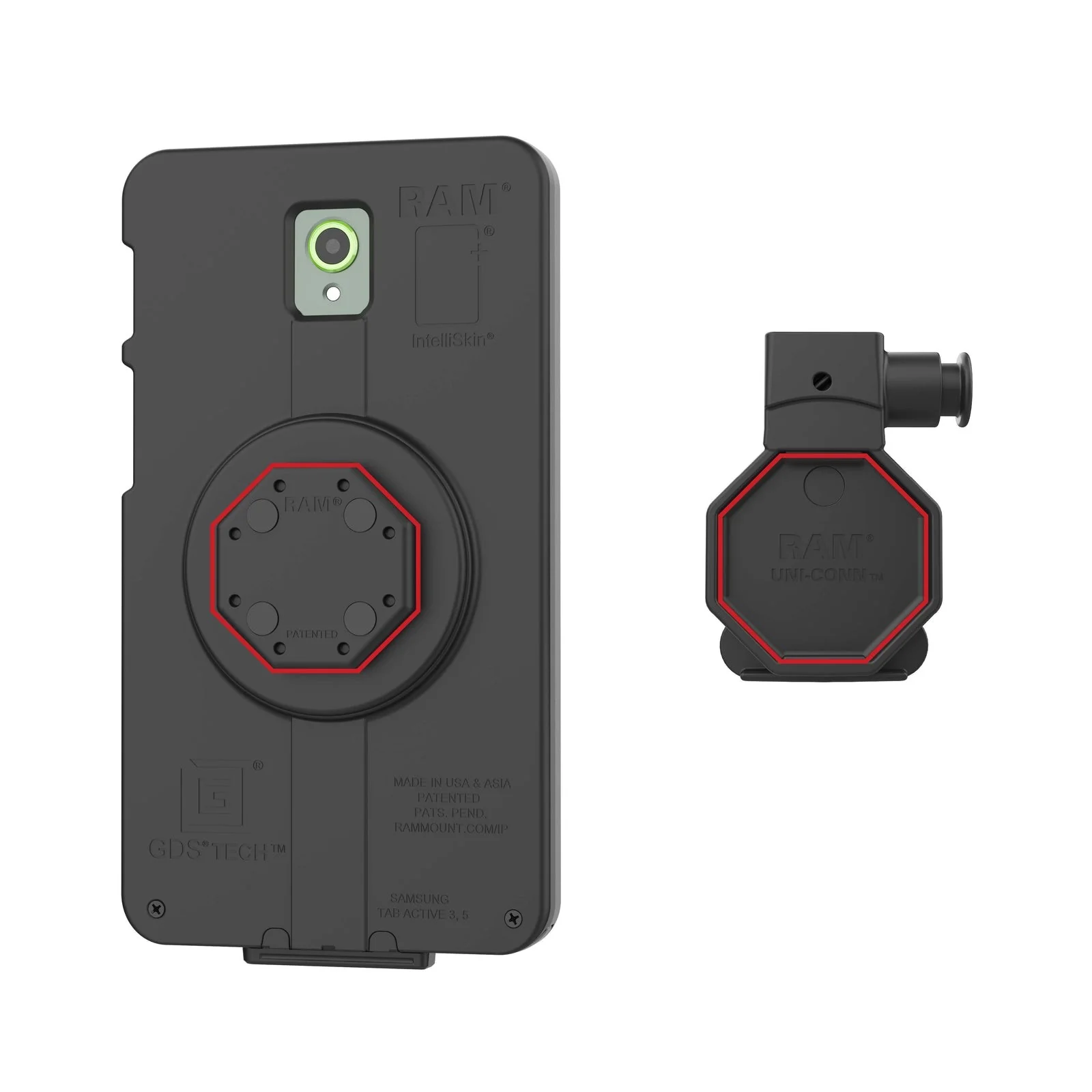
GDS Uni-Conn is RAM's universal snap-in docking system, built around three separate pieces that work together. First, a rugged IntelliSkin protective case (sold separately, one per device model) wraps the tablet or phone and protects it. Second, a small octagon-shaped button adapter -- the actual RAM-GDS-U1U part -- snaps onto the back of that IntelliSkin case before the device is first put into service. Third, that button adapter is what physically docks: it is the part that clicks, locks, or snaps into every Uni-Conn holder, desktop dock, or vehicle dock in the RAM catalog, this product included.
The connection itself is the clever part. Instead of a cable that gets plugged and unplugged dozens of times a day -- wearing out the device's own charging port and collecting dirt and moisture in the process -- the button adapter presents a set of ruggedized pogo-pin contacts. Docking is a single push; undocking is a lever, button, or key-turn away. The device's own port is never touched, so it never wears out from docking and undocking.
The future-proofing is the real payoff. Every IntelliSkin case is built with its button adapter at the same fixed alignment point, so any Uni-Conn-equipped device docks into any Uni-Conn dock, holder, or clip -- regardless of which tablet or phone model it actually is. When a fleet upgrades to a new device, the vehicle dock, the desktop dock, and the belt clip bolted to the wall or the cab do not need to be replaced. Only a new IntelliSkin case (with its own button adapter) is needed for the new device -- the docking infrastructure itself is bought once.
Important: this is a carry clip, not a charger
The belt clip has no electrical contacts -- it is a purely mechanical grip on the device's Uni-Conn button adapter, built for carrying the device, not charging it. That is also why it accepts both the powered and non-powered version of the button adapter equally well: the clip itself never touches the charging contacts, so it does not care which variant is fitted. For charging, dock the same device in a GDS desktop dock or vehicle dock instead.
Specifications
| Materials | High-strength composite |
| Packaging | Poly bag |
| Weight | Approx. 0.068 kg (0.15 lb) |
| Charging | None -- mechanical carry clip only, no electrical contacts |
| Warranty | 3-year warranty (RAM Mounts) |
Frequently asked questions
Does it charge the device?
No. This is a purely mechanical carry clip with no electrical contacts. For charging, dock the device in a GDS desktop dock or the GDS Uni-Conn vehicle dock instead.
What else do I need to make this work?
An IntelliSkin protective case for your specific tablet or phone model, with a GDS Uni-Conn button adapter (RAM-GDS-U1U) installed on its back. Neither is included with this product. RoboService does not yet stock every device-specific IntelliSkin case in our own webshop -- contact us with your exact device model and we will check compatibility and order the matching case for you.
How do I release the device?
A single press of the plunger-style release lever unclips it -- designed to be done one-handed, with the device still in your other hand.
Does it fit any belt?
It is designed to clip onto a standard belt or strap, the way a radio or pager holster does.
What is the difference between the powered and non-powered button adapter mentioned in the description?
RAM's Uni-Conn button adapter comes in a plain, non-powered version and a version wired to also carry charging current for powered docks. Both fit this belt clip identically, since the clip itself carries no power -- the distinction only matters when the same case is later docked into a powered dock.
What happens when I upgrade my tablet?
This is the whole point of the system. You only replace the IntelliSkin case (with its own Uni-Conn button adapter) for the new device model -- the dock, holder, or clip bolted into the vehicle, desk, or belt stays exactly where it is and keeps working, because every IntelliSkin case aligns its button adapter to the same fixed docking point.
Can I use this together with a vehicle or desktop dock for the same device?
Yes -- that is exactly the point of the Uni-Conn system. The same IntelliSkin case and its button adapter work interchangeably in this belt clip and in a desktop or vehicle dock: carry the device hands-free during the day, then dock it to charge overnight or between routes.
See Uni-Conn in action
Installing the button adapter on an IntelliSkin case
Fitting the IntelliSkin case to the device