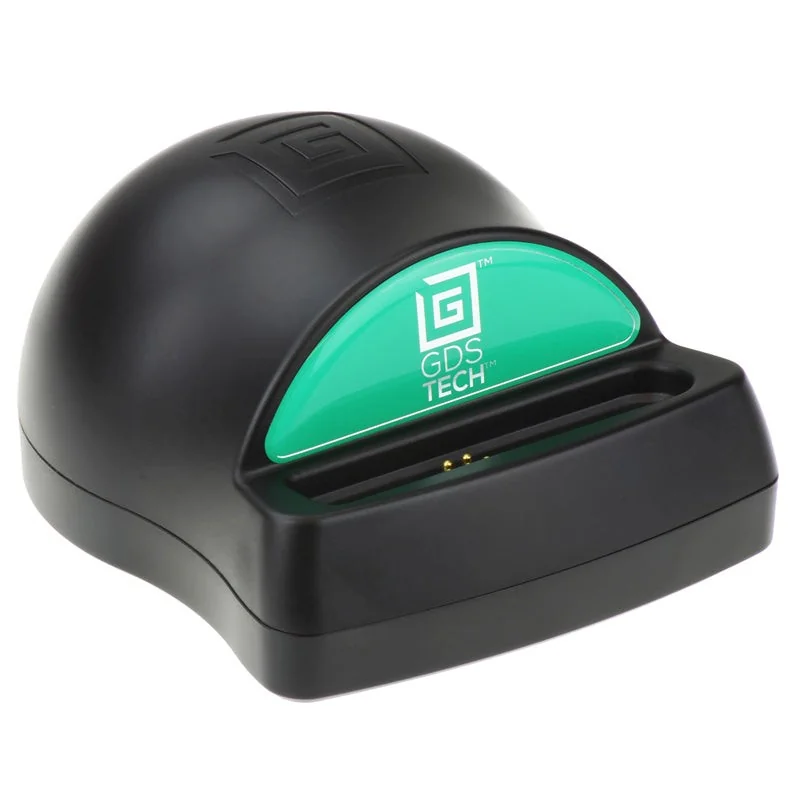
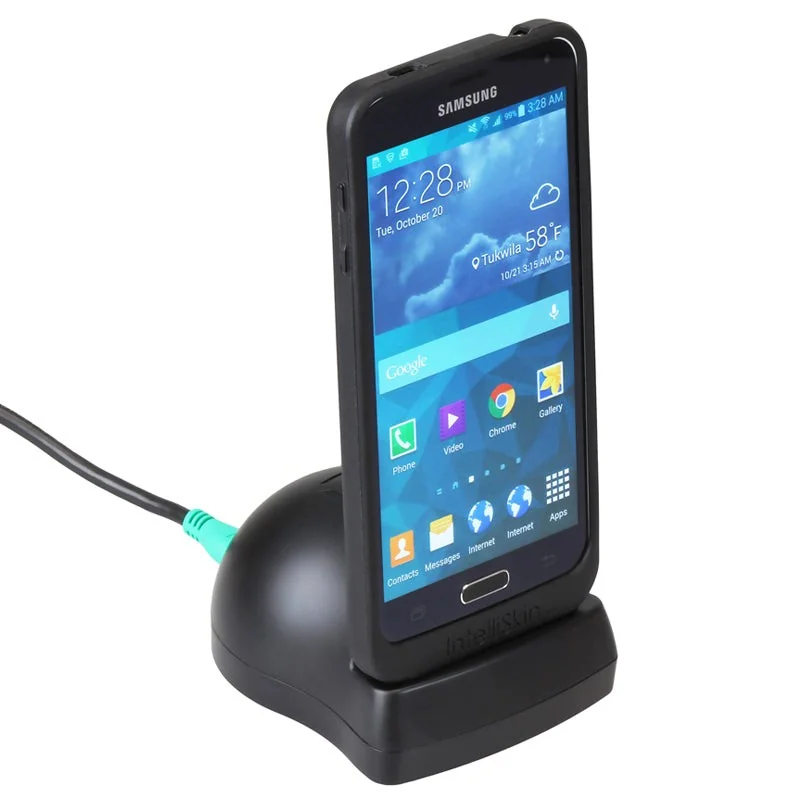
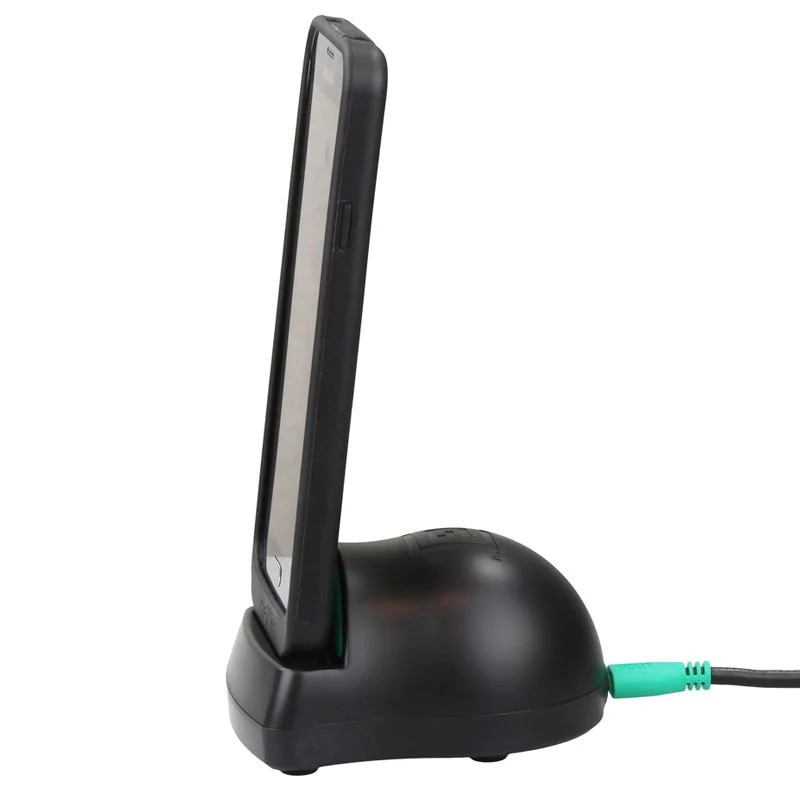
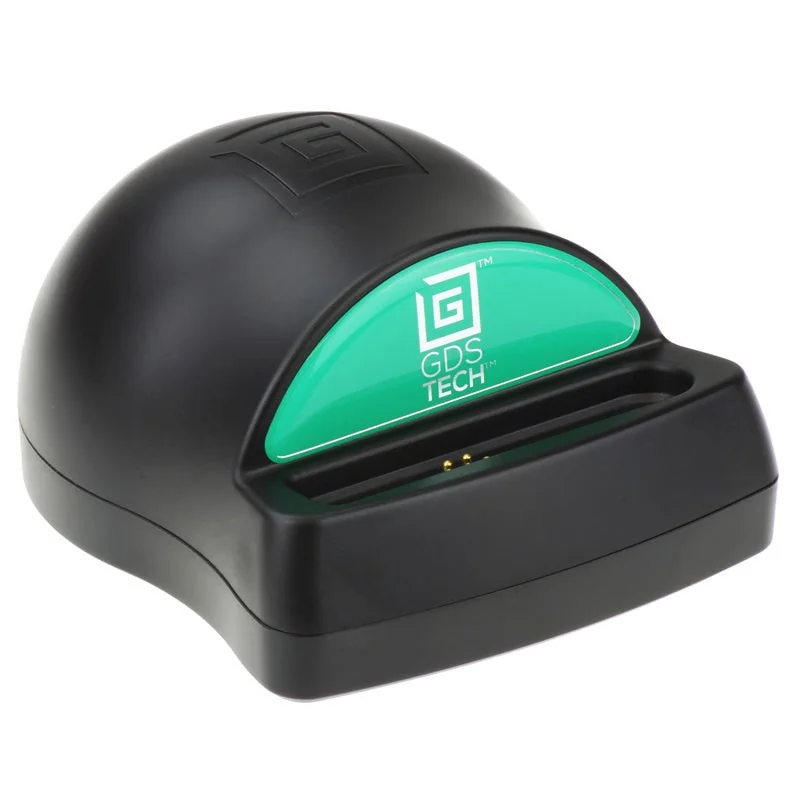
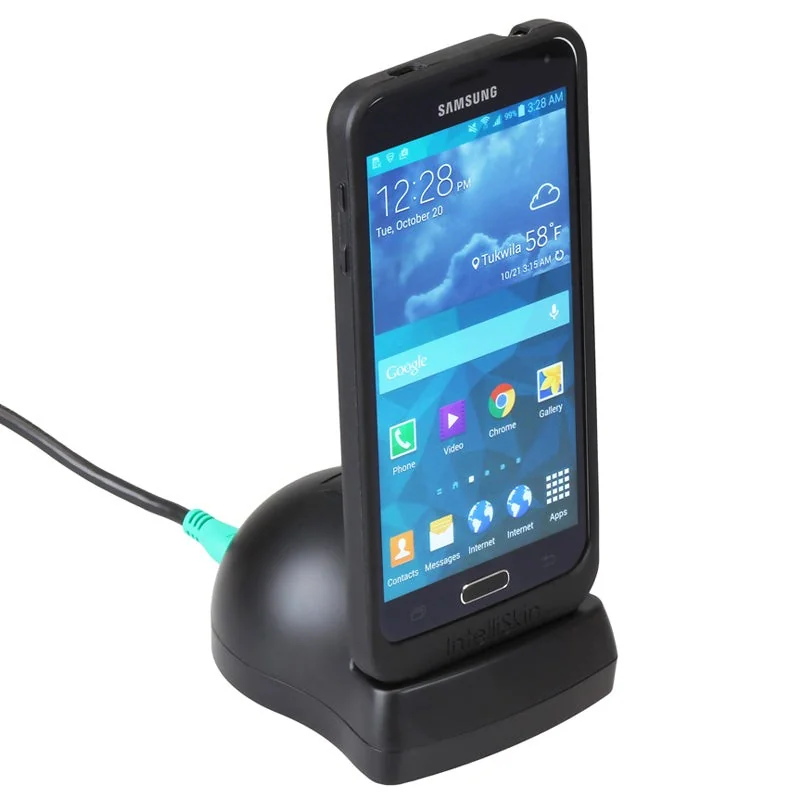
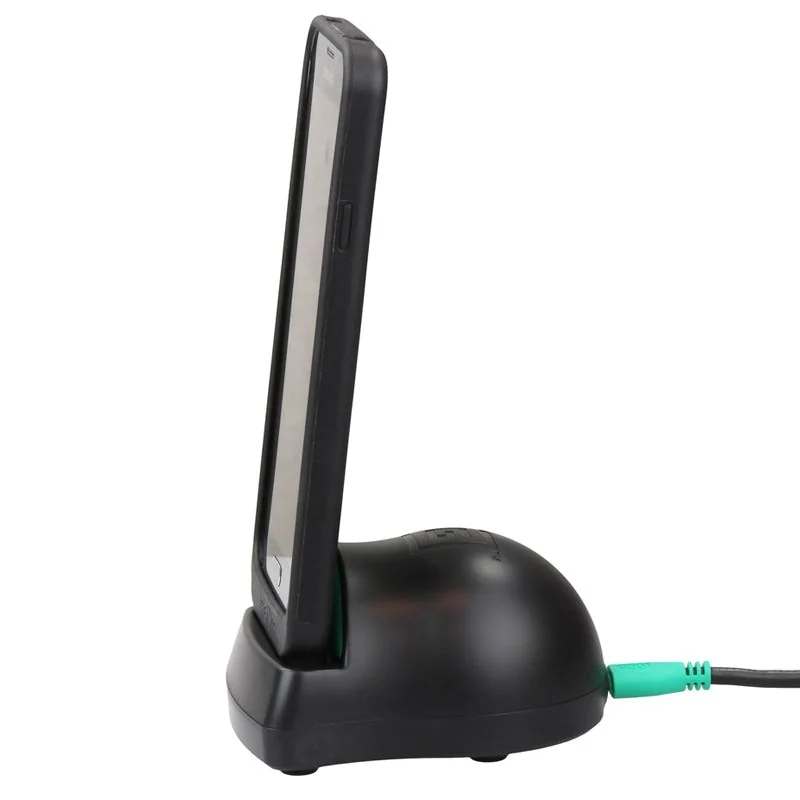
GDS Desktop Dock with mUSB 2.0
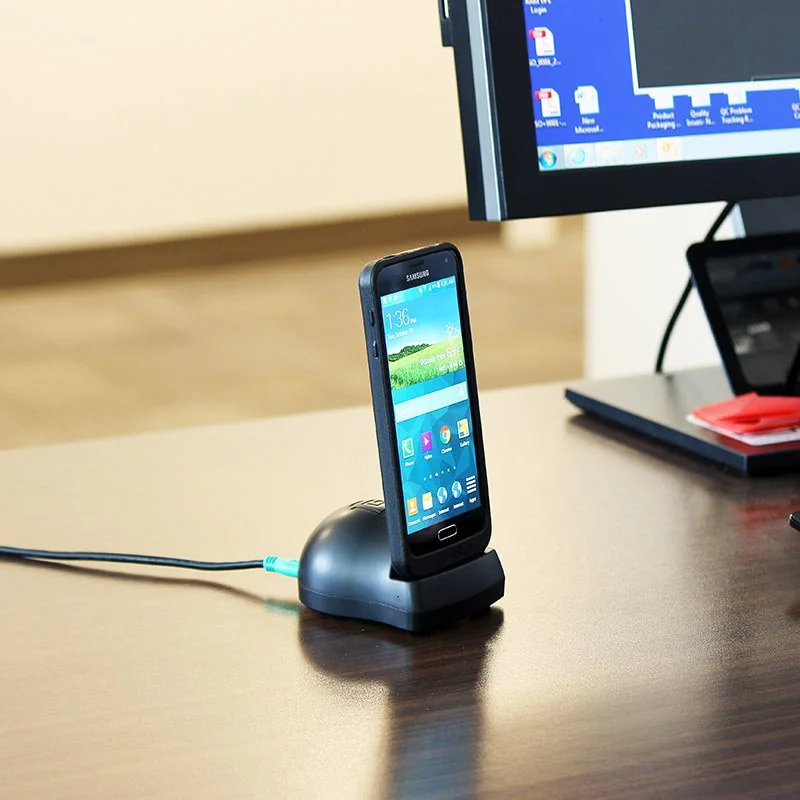
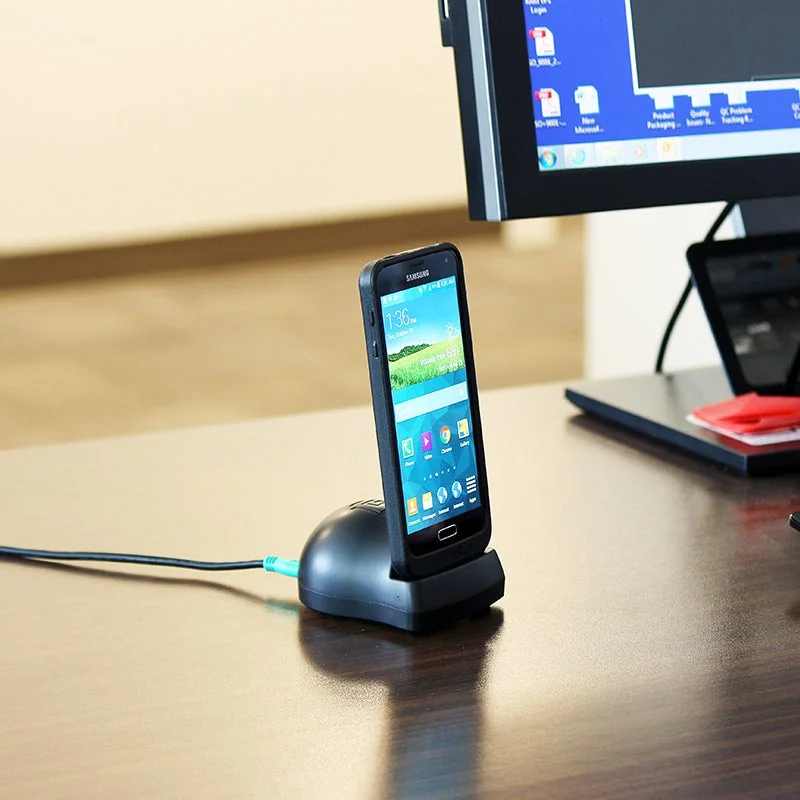
A low-profile desktop docking and charging station for phones and small tablets wrapped in an IntelliSkin protective case. Set the device down into the dock's cradle and it charges and syncs -- no cable to plug into the device itself every time. It is the simplest, least expensive way to bring GDS docking to an office desk, a check-in counter, or a workshop bench.
Features
- Single desktop dock for docking and charging devices wrapped in an IntelliSkin protective case
- Includes a 1.2 m mUSB to USB Type-A male cable to power the dock from a computer or USB wall charger
- Provides both power delivery and USB 2.0 data transfer while docked
- RAM Mounts Compatible
- Backed by a 3-year warranty
How GDS Uni-Conn works
GDS Uni-Conn is RAM's universal snap-in docking system, built around three separate pieces that work together. First, a rugged IntelliSkin protective case (sold separately, one per device model) wraps the tablet or phone and protects it. Second, a small octagon-shaped button adapter -- the actual RAM-GDS-U1U part -- snaps onto the back of that IntelliSkin case before the device is first put into service. Third, that button adapter is what physically docks: it is the part that clicks, locks, or snaps into every Uni-Conn holder, desktop dock, or vehicle dock in the RAM catalog, this product included.
The connection itself is the clever part. Instead of a cable that gets plugged and unplugged dozens of times a day -- wearing out the device's own charging port and collecting dirt and moisture in the process -- the button adapter presents a set of ruggedized pogo-pin contacts. Docking is a single push; undocking is a lever, button, or key-turn away. The device's own port is never touched, so it never wears out from docking and undocking.
The future-proofing is the real payoff. Every IntelliSkin case is built with its button adapter at the same fixed alignment point, so any Uni-Conn-equipped device docks into any Uni-Conn dock, holder, or clip -- regardless of which tablet or phone model it actually is. When a fleet upgrades to a new device, the vehicle dock, the desktop dock, and the belt clip bolted to the wall or the cab do not need to be replaced. Only a new IntelliSkin case (with its own button adapter) is needed for the new device -- the docking infrastructure itself is bought once.
Which docking generation is this?
This particular dock uses RAM's earlier mUSB-based GDS Tech docking connector rather than the newer octagon button adapter described above -- it is part of the same broad GDS ecosystem and the same 3-year-warranty product family, but it pairs with an IntelliSkin case built for this mUSB docking generation, not with the RAM-GDS-U1U button adapter used by our vehicle dock and holder. If your fleet is standardizing on the newer Uni-Conn button system, our GDS Uni-Conn vehicle dock is the matching charging solution instead -- contact RoboService and we will help make sure the case and dock generations line up.
Specifications
| Hardware included | mUSB to USB 2.0 Type-A male cable |
| Product dimensions | Approx. 7.6 x 5.1 x 10.4 cm (W x H x D) |
| Materials | High-strength composite |
| Packaging | Poly bag |
| Output voltage | 5V - 12V @ 2A (mUSB 2.0/3.0 max current 1.67A) |
| Input connector | mUSB 2.0 female, 1.2 m cable |
| Weight | Approx. 0.601 kg |
| Warranty | 3-year warranty (RAM Mounts) |
Frequently asked questions
Does it charge the device while docked?
Yes. Set the IntelliSkin-wrapped device down into the dock's cradle and it charges and syncs automatically. The included mUSB to USB-A cable is what feeds power and data into the dock itself, from a computer's USB port or a USB wall charger -- it is not plugged into the phone or tablet each time.
What do I need in addition to make this work?
An IntelliSkin protective case for your specific phone or tablet model, built for this mUSB docking generation (not the newer Uni-Conn button adapter). RoboService does not yet stock every device-specific IntelliSkin case in our own webshop -- contact us with your exact device model and we will check compatibility and order the right case for you.
Can I use my own USB power adapter with it?
Yes. The dock is powered through a standard mUSB to USB Type-A cable (included), so any USB port or USB power adapter capable of delivering up to 12V @ 2A will run it -- a computer's USB port works too, with correspondingly slower charging.
Does it transfer data, or only charge?
Both. The mUSB connection supports USB 2.0 data transfer as well as charging, so the dock can also be used to sync a docked device to a connected computer.
How is this different from the GDS Uni-Conn vehicle dock in your catalog?
This desktop dock is stationary, unlocked, and built for an indoor mUSB-generation IntelliSkin case -- it is meant for a desk or counter. The vehicle dock is bolted into a cab, key-lockable, and uses the newer USB-C powered Uni-Conn button system. Pick the desktop dock for indoor charging, the vehicle dock for a device that rides along in a tractor, ATV, or UTV.
Is there a lockable or vehicle-mount version of this exact dock?
Not in this mUSB generation from RAM. For a lockable, vehicle-ready dock, RAM's current line-up uses the newer Uni-Conn button system -- see the GDS Uni-Conn vehicle dock in our catalog, or contact RoboService for other options in RAM's range.
See Uni-Conn in action
A multi-port dock charging a whole fleet of devices
Docking and undocking a device in one motion